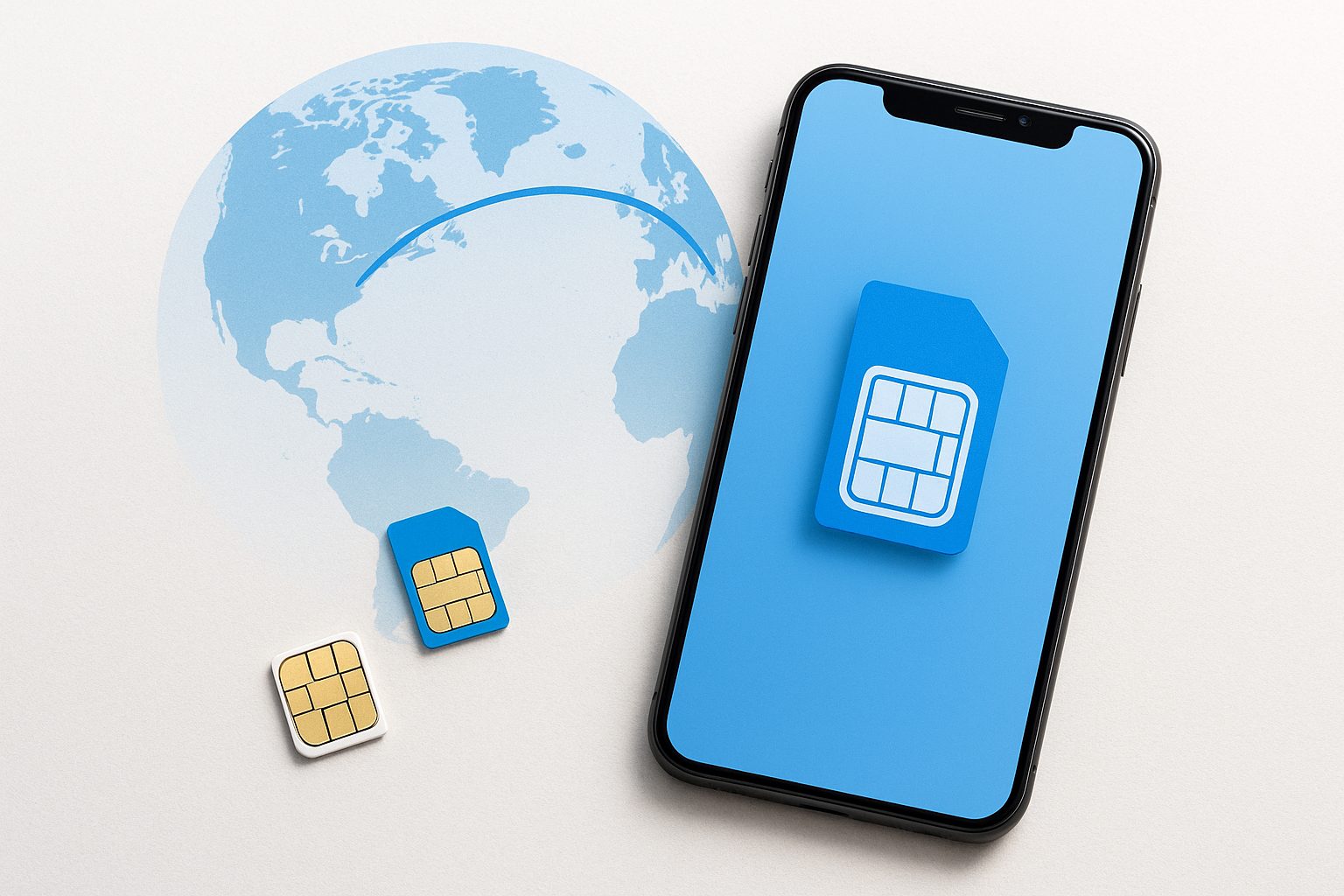
A customer walked into our Rowland Heights store last month with a common problem: her family back in Chengdu only had her Chinese number, and she was terrified to lose it after moving here. She didn't know her iPhone 15 could hold two active SIMs at the same time — a physical one and an eSIM — solving the whole thing in about 20 minutes.
If you're in the same boat, this guide is for you. 双卡双号,一部手机搞定。
What "Dual SIM" Actually Means for Your Phone
Dual SIM means your phone can run two separate phone numbers simultaneously — each on its own plan, each able to send texts and receive calls independently. You don't need two phones. You don't need to manually swap anything.
Modern iPhones (iPhone XS and later) support Dual SIM with one physical nano-SIM and one eSIM — or, outside the US, two physical SIMs. Many Android flagships — Samsung Galaxy S24, Google Pixel 9, OnePlus — support two physical SIMs or a physical + eSIM combination. The exact setup depends on which model you have and where it was originally purchased.
One number handles your US life. The other keeps your Chinese contacts, WeChat-linked number, bank verifications, and family calls exactly as they were.
The Physical SIM + eSIM Setup (Most Common for iPhone Users)
This is the most practical setup for people who already have an active Chinese number:
- Keep your China SIM card (China Mobile, China Unicom, or China Telecom) in the physical SIM tray.
- Add a US number as an eSIM — a digital SIM you download directly to the phone. No second card needed.
eSIM works with all major US carriers: AT&T, T-Mobile, Verizon, and prepaid MVNOs like Mint Mobile, Visible, and US Mobile. You can set your US eSIM as the default for data and calls, while your Chinese SIM stays active to receive texts and calls from China.
Important: iPhones sold in the US after late 2022 (iPhone 14 and newer, US models) are eSIM-only — they have no physical SIM tray at all. If your phone is a US-model iPhone 14 or 15, you'll need to run two eSIMs simultaneously instead. That works fine — the phone supports it.
Two-eSIM Setup (US Model iPhone 14/15/16)
If your phone has no SIM tray, you'll convert your Chinese number to a carrier eSIM before leaving China — or do it remotely through your Chinese carrier's app (中国移动/联通/电信 all support this). Then add a second US eSIM on top of it.
Steps:
- Contact your Chinese carrier (app or in-person in China) to convert your physical SIM to an eSIM before you travel.
- Once in the US, download your US carrier eSIM through their app or a QR code.
- Go to Settings → Cellular on iPhone and assign each line its role: one for "Primary" calls/texts, one for data.
This keeps both numbers live. WeChat, Alipay, and Chinese banking apps that use SMS verification will keep working on your China number.
Android Users: Often Even Simpler
Most Samsung and Google flagship phones sold internationally have two physical SIM slots. If your Galaxy S23 or Pixel 8 was purchased in China or Hong Kong, you likely just:
- Keep your Chinese SIM in Slot 1
- Insert a US SIM card in Slot 2
- Set your preferred default for calls and data in Settings → Connections → SIM Manager
Done. No eSIM conversion needed. This is often the easiest path for Android users, and it's worth checking your phone's spec sheet to confirm dual-SIM support before doing anything else.
Which US Plan Works Best as the "Second Line"?
For your US number, prepaid is usually the smart choice when you're first getting settled — no credit check, no contract, flexible data options. Some solid options:
- AT&T Prepaid — solid coverage across LA, Orange County, and Las Vegas; good for families
- Mint Mobile — affordable, runs on T-Mobile's network, eSIM-compatible
- US Mobile — lets you pick GSM (T-Mobile) or LTE (Verizon) backbone, good for coverage flexibility
- Lycamobile or H2O Wireless — popular in the Chinese-American community; often have international call bundles back to China built in
If you want a postpaid plan with a contract — or need to add lines for the whole family — AT&T postpaid has competitive family plans and iFixForU is an authorized AT&T dealer, so we can walk you through options in English or Chinese at any of our San Gabriel Valley or Las Vegas locations.
A Real-World Example
A graduate student at USC had a China Unicom number her parents used to reach her and a WeChat account tied to it. She bought a US-model iPhone 15 (eSIM only). Before leaving Shanghai, she visited a China Unicom store and converted her physical SIM to a carrier eSIM. In Alhambra, she added an AT&T Prepaid eSIM as her second line. Total cost: about $25 for the first month of her US plan. Both numbers work. Her parents call the Chinese number. Her classmates text the US one. Zero confusion.
Quick Takeaways
- Dual SIM lets you run a Chinese and a US number on one phone — no need to carry two devices
- iPhone 14+ US models are eSIM-only; convert your China SIM to eSIM before arriving if possible
- Android phones with two SIM slots are often the simplest dual-SIM setup
- Prepaid eSIM plans are an easy, commitment-free way to add a US number fast
- WeChat, Alipay, and Chinese bank SMS codes keep working on your China number
- You don't have to figure this out alone — bilingual help is available
One Thing to Double-Check
Make sure your phone is carrier-unlocked before adding a second SIM from a different carrier. Phones purchased directly from Apple, Google, or most Chinese carriers are usually unlocked. Phones bought through a US carrier on installment might be locked. If you're unsure, bring it in — we can check in a couple of minutes.
If you want hands-on help setting up your dual SIM, choosing a US plan, or figuring out whether your phone supports eSIM, stop by any iFixForU location in San Gabriel, Arcadia, Irvine, or Las Vegas — we're fully bilingual and happy to walk through it with you step by step. You can also browse our wireless plans at ifixforu.com/en/wireless or give us a call at (626) 800-2030.



