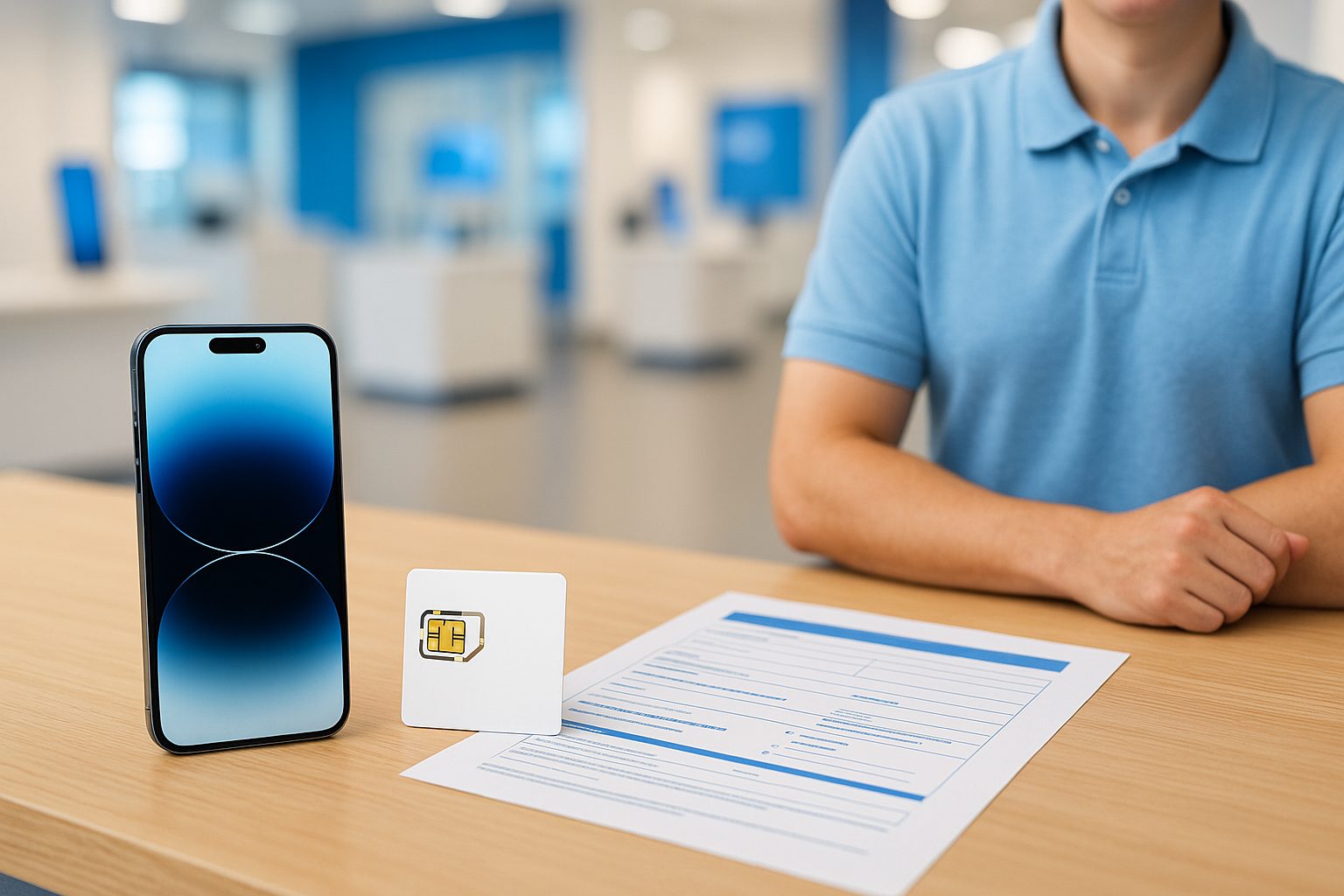
Your friend just landed at LAX from Taipei, popped a local SIM into her iPhone 15, and had a working US number in ten minutes flat. Meanwhile, your nephew set up an eSIM on his Samsung Galaxy S24 without ever touching a physical card — and he was calling before he even left the carrier store. Both worked. So which approach is actually better for you?
The honest answer: it depends on your phone, your carrier, and how you use your device day to day. Let's break it down so you can make a confident call.
What Each One Actually Is
A physical SIM (sometimes called a nano-SIM) is the small plastic chip you slide into a tray on the side of your phone. It stores your carrier info and phone number. You can swap it out, hand it to a friend, or drop it into a different device in seconds.
An eSIM is a built-in digital chip soldered into your phone. Instead of inserting a card, you scan a QR code or tap a few menus, and the carrier profile loads wirelessly. No tray, no tiny card, no risk of losing it in the parking lot at 99 Ranch.
Most phones sold today — iPhone 14 and newer, Samsung Galaxy S23 and newer, Google Pixel 7 and newer — support both formats. Some newer iPhones sold in the US are eSIM-only, meaning there's no physical SIM tray at all.
Where eSIM Wins
eSIM is faster to activate. If you're switching carriers or picking up a new line, there's no waiting for a card to arrive in the mail. Scan a QR code, confirm a few prompts, and you're live.
It's also great for carrying two numbers on one phone. Many people keep a US number for work and a second line — maybe a Hong Kong or Chinese number for family calls — active at the same time. Dual-SIM setups (one eSIM + one physical) make this painless on most modern iPhones and Samsung Galaxy devices.
A few other eSIM advantages worth knowing:
- No physical wear on the SIM tray — one less thing to break
- You can switch plans without visiting a store (useful if you're in Las Vegas and your home store is in Alhambra)
- If your phone is stolen, nobody can yank the SIM to cut your ability to track it
Where Physical SIM Still Makes Sense
Here's where a lot of people get tripped up: eSIM doesn't work everywhere. If you travel internationally and want to buy a cheap local SIM in China, Taiwan, or Mexico, you need a phone with an open SIM tray. Carrier-locked eSIM profiles can complicate that fast.
Physical SIM is also simpler for:
- Handing down a number — put the SIM in grandma's phone, done
- Prepaid plans from smaller MVNOs — some budget carriers (Ultra Mobile, Lycamobile, Mint) still primarily issue physical SIMs, though most now offer eSIM too
- Older phones — a Samsung Galaxy A14 or iPhone 11 may not support eSIM at all
- Situations where you need a backup device quickly — pop the SIM into any unlocked phone and you're back online
If your parents recently moved to the US and are still figuring things out, a physical SIM is usually the easier, less confusing starting point. No QR codes, no menus to dig through.
The Dual-SIM Sweet Spot
This is honestly where most people in the San Gabriel Valley and surrounding areas land: one physical SIM plus one eSIM running at the same time.
Example: A customer in Rowland Heights keeps her AT&T number on a physical SIM for her main US calls and texts. She loaded a China Unicom eSIM for cheap international calls back home. Both lines show up on her iPhone 15 Pro. She pays about $5/month for the international eSIM and doesn't think about it again.
If you want to try this setup, just confirm your phone model supports Dual SIM — most flagship iPhones and Samsung Galaxy S-series devices do. Budget phones sometimes don't.
Does Your Carrier Support eSIM?
Most major carriers do now, but coverage varies by plan tier:
- AT&T — full eSIM support on most postpaid and prepaid plans
- T-Mobile / Metro by T-Mobile — eSIM available; some prepaid activations still default to physical
- Verizon — eSIM supported; same caveats on lower-tier prepaid
- MVNOs (Mint, Ultra Mobile, Tello, Straight Talk) — mixed; always confirm before assuming
If you're not sure, just ask before you buy. It takes 30 seconds to check.
One Thing People Miss: Transferring to a New Phone
Switching phones with an eSIM is slightly more involved than with a physical SIM. You'll need to go through a transfer process — either via QR code from your carrier or through a carrier app. It's not hard, but it's not as instant as pulling out a chip and moving it over.
If you upgrade phones frequently, physical SIM gives you more flexibility. If you tend to keep a phone for two or three years, eSIM is totally fine.
Quick Takeaways
- eSIM is faster to activate and great for dual-SIM setups
- Physical SIM is more flexible for international travel and older or budget phones
- Most modern flagship phones support both — you don't have to choose
- Dual SIM (one eSIM + one physical) is the practical sweet spot for many local families
- Some US iPhones are eSIM-only — check before you buy if you rely on physical SIMs
Still not sure which setup fits your situation? The team at iFixForU can walk you through it — in English or 中文 — whether you're in Arcadia, Irvine, or stopping by the Las Vegas location. Give them a call at (626) 800-2030 or drop in; there's no pressure and the advice is free.



