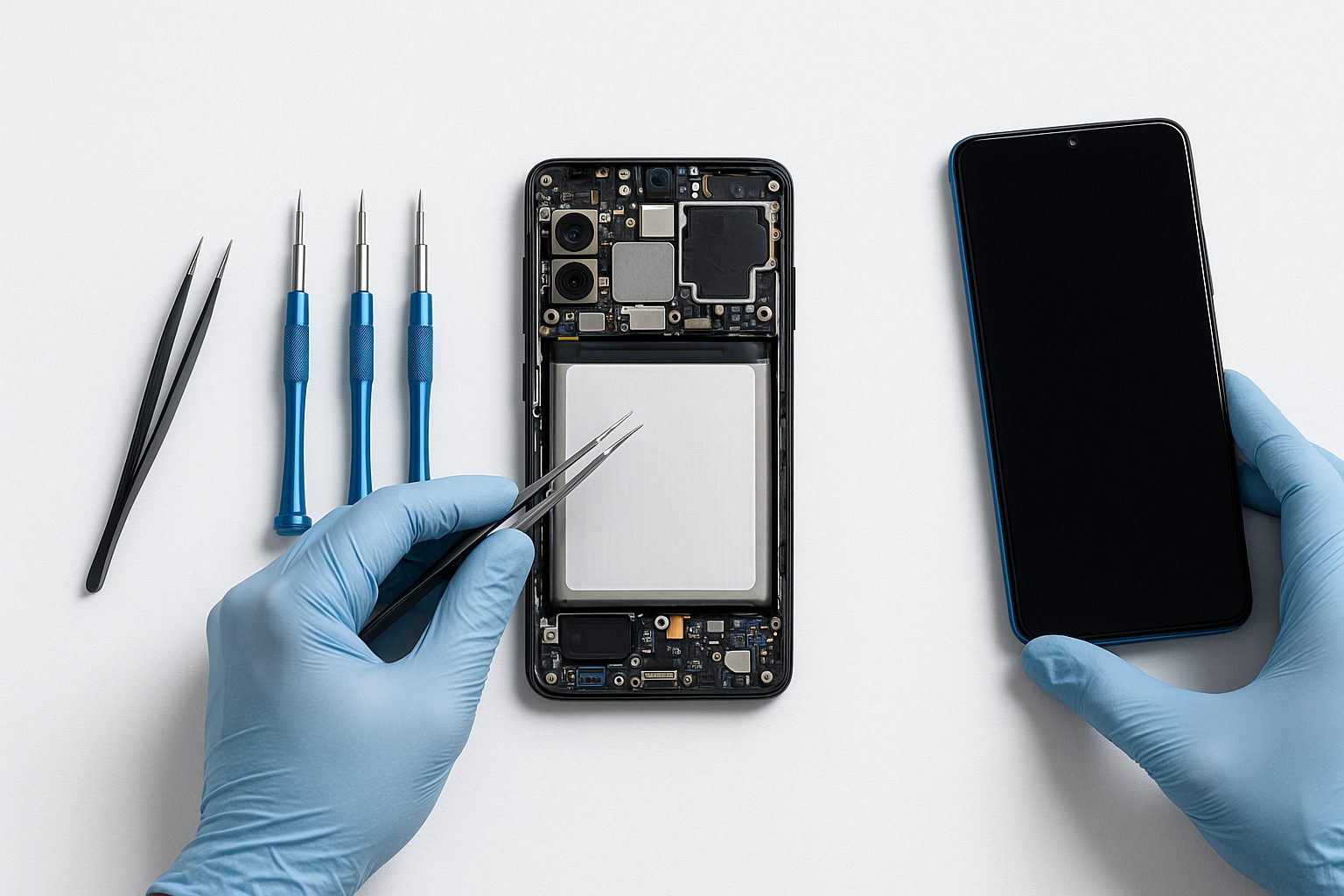
Your Galaxy S24 Ultra hits the pavement screen-first, and suddenly you're squinting through a spiderweb of cracks or staring at a black slab that won't respond to touch. Before you just Google "Samsung Galaxy screen repair near me" and walk into the first result, there are a few things worth knowing — because not all repairs are equal, and the wrong shop can leave you with a phone that works worse than it did cracked.
What a Samsung Screen Repair Actually Involves
Samsung Galaxy phones — especially the S-series, A-series, and Z Fold/Flip line — use AMOLED displays that are fused directly to the digitizer and, in most cases, the frame. That's different from older LCD phones where you could sometimes swap just the glass for cheap.
When a technician replaces your Galaxy screen, they're typically installing a full display assembly: the AMOLED panel, touch digitizer, and sometimes the front frame all bonded together. That's why a real Galaxy repair costs more than, say, swapping an old iPhone 7 screen. Cutting corners on parts here isn't cosmetic — it affects touch accuracy, brightness, color accuracy, and how the phone handles the next drop.
The parts quality question nobody asks
There are three tiers of replacement screens floating around the repair market:
- OEM / Samsung-sourced panels — pulled from new or refurbished Samsung units. Best quality, highest cost.
- Aftermarket "incell" or "soft OLED" — third-party panels, usually fine for midrange phones, but can look washed out or feel slightly off on high-end models.
- "Original" re-furbished glass-only swaps — the cheapest option, and often the most unreliable for modern fused displays.
A good shop will tell you which type they're using before you pay. If they can't answer that question clearly, that's your cue to leave.
Real Repair Costs by Model (What to Expect)
Prices vary by region and parts availability, but here are realistic ranges you'll see at reputable independent shops in the San Gabriel Valley, Orange County, and Las Vegas:
| Model | Typical Screen Repair Range |
|---|---|
| Galaxy A14 / A15 | $80 – $130 |
| Galaxy A54 / A55 | $120 – $180 |
| Galaxy S23 / S24 | $180 – $280 |
| Galaxy S23 Ultra / S24 Ultra | $250 – $380 |
| Galaxy Z Flip 5 / 6 (outer) | $120 – $200 |
| Galaxy Z Fold 5 / 6 (inner) | $350 – $550+ |
Going to Samsung directly (via Samsung Care+ or a Samsung-authorized service center) will usually cost more and take longer — often mail-in with a multi-day turnaround. For most people in Alhambra, Rowland Heights, Arcadia, or Irvine, a trusted local shop is faster and frequently cheaper.
Questions to Ask Before Leaving Your Phone
Don't just hand over your Galaxy and hope for the best. Spend 60 seconds asking:
- What brand/type of screen are you using? (OEM, soft OLED, aftermarket?)
- Is the repair warrantied? (30–90 days is standard; less than 30 is a red flag.)
- Will my Samsung features still work? Things like the S Pen digitizer on an Ultra, the under-display fingerprint sensor, and DeX output can be affected by poor-quality parts.
- How long will it take? Most Galaxy S-series repairs at a well-stocked shop take 1–2 hours in-store.
- Do you back up my data before starting? (They shouldn't need to access your data for a screen swap, but it's worth confirming they're not doing a factory reset.)
If the person behind the counter can answer all five without hesitation, you're in good hands.
A Real Example: The Galaxy S23+ in Rowland Heights
A customer came into iFixForU's Rowland Heights location with a Galaxy S23+ — cracked across the bottom third, touch still working but flickering. The repair used a high-quality AMOLED assembly, took about 90 minutes, and the under-display fingerprint reader worked perfectly afterward. Total cost: $220. She'd been quoted $310 at a mall kiosk across town with no mentioned warranty.
The difference wasn't luck. It was asking the right questions and choosing a shop that stocks Samsung-specific parts rather than ordering them after you drop the phone off.
Why Bilingual Service Matters Here
A lot of families in the San Gabriel Valley — Arcadia, San Gabriel, Monterey Park, Temple City — are more comfortable discussing a repair, asking about parts, or understanding a warranty in Chinese rather than just English. iFixForU's staff serves customers fully in both English and Chinese (普通话 and 粤语), so you're not left nodding along and hoping you understood the fine print. That matters when you're handing over a $1,000 phone.
Don't Overlook These Before-and-After Steps
- Back up your phone before any repair — iCloud or Samsung Cloud sync takes 10 minutes and can save you serious grief.
- Test the screen immediately in-store after the repair: tap all corners, test the fingerprint sensor, check brightness at both ends of the slider, scroll through a few apps.
- Ask about any screen protector options — a tempered glass or film protector applied right after the repair helps protect the new display. Some shops include one at no charge.
- Check if your carrier insurance or credit card purchase protection covers the repair — you may be able to submit for reimbursement.
Quick Takeaways
- Samsung AMOLED displays are fused assemblies — parts quality matters more than on older phones.
- Always ask what type of screen is being used before agreeing to the repair.
- In-store repairs at a well-stocked local shop are typically faster and cheaper than Samsung's own mail-in service.
- Realistic costs range from ~$80 for budget A-series models to $500+ for a Galaxy Z Fold inner display.
- A 30–90 day parts-and-labor warranty is the minimum you should accept.
- Bilingual service (English + 中文) is available at iFixForU locations across the San Gabriel Valley and beyond.
If you want a straight answer on what your specific Galaxy model will cost and how long it'll take, book a repair appointment online at iFixForU or call (626) 800-2030 to talk it through. Walk-ins are welcome at all 17 locations across the SGV, Orange County, and Las Vegas.



