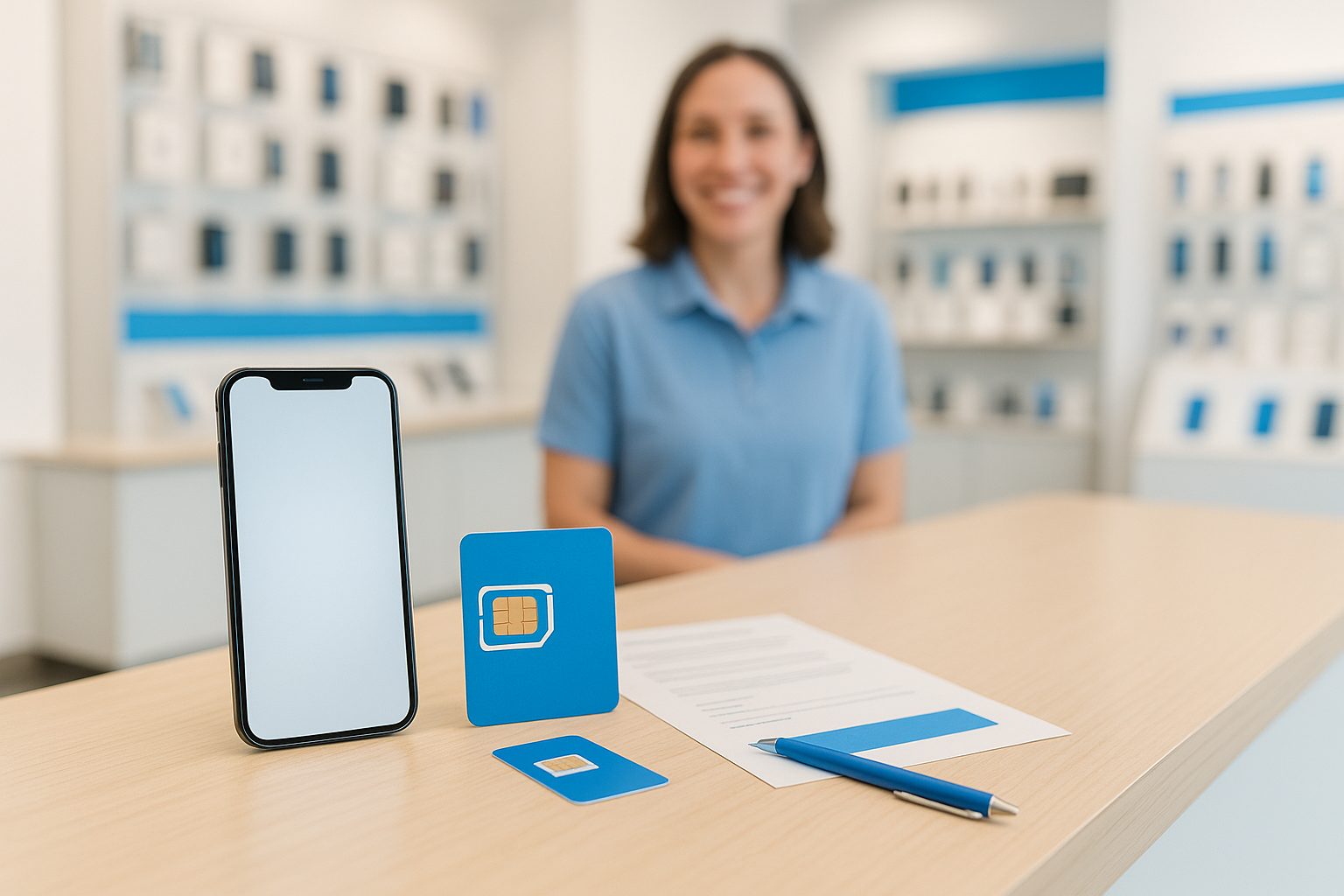
A customer walked into our Rowland Heights store last month holding a brand-new iPhone 16 Pro and a prepaid SIM card she'd bought at a 99 Ranch checkout counter. She wanted to know if she even needed the physical card — her phone had an eSIM built in. Good question, and it's one we answer several times a day now.
Both eSIM and physical SIM cards do the same fundamental job: they connect your phone to a carrier's network. The difference is in how that connection is stored, how easy it is to change, and what happens when things go wrong. Here's the honest breakdown.
What Each One Actually Is
A physical SIM is the small plastic card — nano-SIM size for most modern phones — that slots into a tray on the side of your device. Your carrier information lives on that chip. Pull the card out, pop it into another phone, and your number moves with it.
An eSIM (embedded SIM) is a tiny chip soldered directly inside the phone. Instead of a plastic card, your carrier profile is downloaded digitally. You can store multiple carrier profiles on the same eSIM, though only one or two are active at a time depending on the device.
Most phones sold in the US since 2022 support eSIM. Some — like certain iPhone 15 and 16 models purchased in the US — have no physical SIM tray at all and are eSIM-only.
Who Benefits Most from eSIM
Frequent travelers are the clearest winners. If you regularly fly to China, Taiwan, Hong Kong, or anywhere in Asia, you can add a local data plan to your eSIM before you even board the plane — no hunting for a SIM card vending machine at the airport and no tiny pin to pop the tray.
People who switch carriers often also love eSIM. You can move from AT&T to T-Mobile or to a prepaid MVNO like Mint or Tello without waiting for a SIM card to arrive in the mail. In many cases, the switch takes under ten minutes.
If you want to run two numbers on one phone — say, a US number plus a Hong Kong or China number — eSIM makes that practical. Many iPhone and Samsung Galaxy models support dual SIM: one eSIM profile active alongside another, or two eSIM profiles simultaneously.
Who Should Stick with a Physical SIM
Not everyone needs eSIM. If you're buying a certified pre-owned phone or activating a line for a parent or grandparent who prefers straightforward, hands-on setup, a physical SIM card is often simpler. There's nothing to download, no QR code to scan, and it's easy to see and confirm the card is in place.
Physical SIM is also the better choice if you're sharing a plan across older devices. A 2019 Samsung or an older Motorola might not support eSIM at all — and that's fine. Plenty of excellent prepaid plans still run on physical SIM cards without any drawback.
One practical note: if your phone is lost or damaged, having a physical SIM means you can immediately move your number to a backup phone. With eSIM on a locked or water-damaged device, you'll need to contact your carrier to get a new eSIM issued — not impossible, but it adds a step.
The Dual-SIM Setup: Best of Both Worlds
Many people in the San Gabriel Valley and Irvine area run a dual-SIM setup for exactly this reason: one line for their US number, one for an international number or a data-only plan. Here are a few real ways people use this:
- A US AT&T number (eSIM) + a China Unicom physical SIM for cheaper calls and texts back home
- A primary postpaid line (physical SIM) + a cheap data-only eSIM for when they're in a weak coverage area and want to pull from a second network
- Two US numbers on one phone for someone who keeps a personal and a work line separate
If you're not sure whether your phone supports dual SIM or which combination works, the staff at iFixForU can check your specific model in about two minutes — no appointment needed.
Practical Example: Switching a Family Plan
Take a family of four in Arcadia upgrading from an older carrier to AT&T. Two members have iPhone 16 Pro phones (eSIM-only). One has a Samsung Galaxy S24 (supports both). One has an older iPhone 12 (physical SIM only). The cleanest setup: activate the two iPhone 16 Pros via eSIM instantly, put a physical SIM in the S24 so it can also serve as a backup, and order a physical SIM for the iPhone 12. That family is fully activated same day without waiting for anything to ship.
A Few Common Concerns, Answered
"Is eSIM as secure as a physical SIM?" Yes — arguably more so, because no one can physically steal your SIM and pop it into another phone to hijack your number.
"What if I need to return my phone?" Most carriers can transfer your eSIM profile to a new device. It's not instant, but it's routine.
"Does eSIM cost more?" Usually not. Most major carriers and prepaid plans charge the same rate regardless of SIM type. A few charge a small one-time activation fee for eSIM setup, but that's becoming rare.
"我的手机支持 eSIM 吗?" 这个问题我们经常听到。如果您不确定,带着手机来我们店,我们可以直接帮您查看。我们的工作人员提供中英文双语服务。
Quick Takeaways
- eSIM is ideal for travelers, frequent switchers, and dual-number users
- Physical SIM is simpler for older devices, shared family phones, or emergency backup situations
- Most current iPhones and Samsung Galaxy phones support both — you're not locked into one option
- eSIM-only phones (like US-model iPhone 15/16) work fine for most people but require a little planning for international travel
- Dual SIM setups are very practical for bilingual households who maintain numbers in two countries
- Activation for either type usually takes under 15 minutes at a store
Whether you're setting up a first US phone plan, adding a line for a family member in Alhambra, or trying to figure out the best way to keep a China number active on your new device, it helps to talk it through with someone who knows the options. Stop by any iFixForU location or visit ifixforu.com/en/wireless to see current plans and activation options. You can also call us at (626) 800-2030 — in English or Chinese, whatever works for you.



