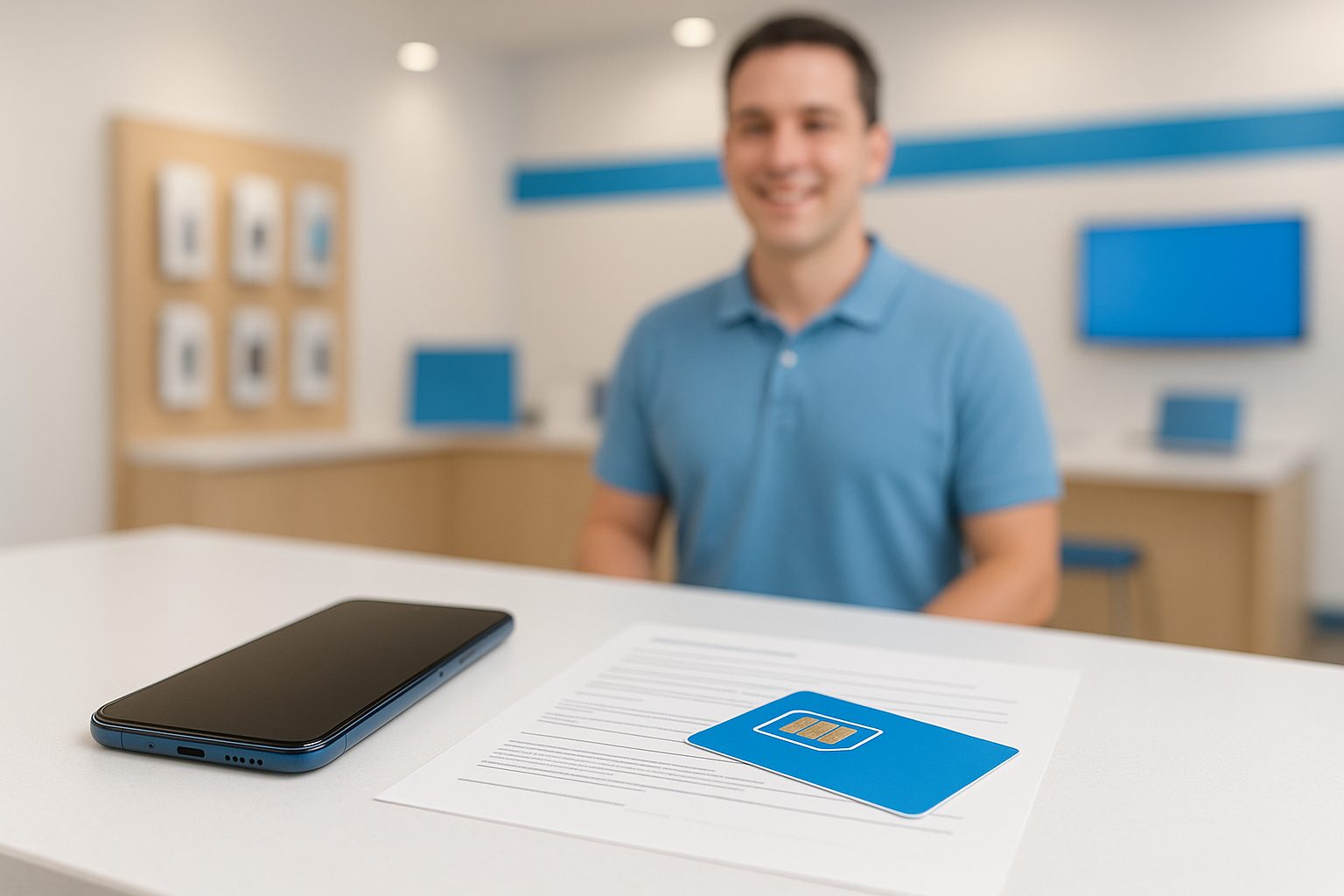
A customer walked into our Rowland Heights store last month holding a brand-new iPhone 16 Pro still in the box — and had absolutely no idea how to get it on a plan. She'd been using her cousin's Wi-Fi for two weeks. Sound familiar? Whether you just arrived in the US, bought a new device, or are switching from an old carrier, activating a phone plan is surprisingly easy once you know the steps.
What You'll Need Before You Start
Getting the right documents together first saves you a trip back to the car — or back home.
- A valid photo ID. A U.S. driver's license or state ID works best. International passports are accepted at most carriers and MVNOs (prepaid providers). Some prepaid plans require no ID at all.
- A payment method. Credit card, debit card, or cash (at physical stores). Prepaid plans can often be paid with cash, which matters for people who don't yet have a U.S. bank account.
- Your device. Make sure it's unlocked or compatible with the carrier you're choosing. A phone bought directly from Apple, Samsung, or Google is usually carrier-unlocked. A phone bought through AT&T, Verizon, or T-Mobile may be locked to that network — worth checking before you port your number.
- Your current phone number (if transferring). You'll need your account number and PIN from your old carrier. Don't cancel your old service early — the transfer process ends it automatically.
Choosing the Right Plan: Postpaid vs. Prepaid
This is where a lot of people get stuck. U.S. carriers offer two main structures.
Postpaid plans (AT&T, Verizon, T-Mobile) bill you at the end of each month. They typically offer the best network coverage, device financing options, and extras like international calling perks. The catch: they usually require a credit check. If you're new to the U.S. and don't have a credit history yet, you may need to put down a deposit — sometimes $100–$250 per line.
Prepaid plans (Cricket, Metro by T-Mobile, Mint Mobile, Boost, Lycamobile, and others) charge you upfront, no credit check required. For many recent immigrants and students, prepaid is the smarter starting point. Plans run anywhere from about $15/month for basic talk-and-text to $45–$55/month for unlimited data on a solid network.
A good rule of thumb: if you're unsure about your credit situation or just want to test a carrier's coverage in your area first, start prepaid. You can always move to postpaid later.
The Activation Process, Step by Step
- Pick your carrier and plan. Compare data allowances, international calling (if you call back to China, Taiwan, Mexico, etc.), and hotspot limits.
- Get the right SIM card. Most carriers now use either a physical nano-SIM or an eSIM (a digital SIM built into your phone). iPhones from iPhone XS onward and most newer Android flagships support eSIM. Ask at the store if you're unsure.
- Insert the SIM or scan the eSIM QR code. For a physical SIM, turn off your phone, pop out the SIM tray, and slide it in. For eSIM, you'll scan a QR code or enter a code directly in your phone settings.
- Follow the activation prompts. Your phone will guide you through connecting to the network. This usually takes 5–15 minutes. Occasionally it takes up to a few hours for a number transfer (called a "port").
- Test everything. Make a call, send a text, and run a speed test. If data isn't working, check your APN settings — the in-store rep can help you set these in about two minutes.
Porting Your Number: Don't Cancel First
This is the most common mistake. If you want to keep your existing phone number when switching carriers, do not cancel your old plan. Give your new carrier your old account number and PIN, and they'll pull the number over automatically. The old plan cancels itself when the transfer is complete.
A Concrete Example: Switching to AT&T in Alhambra
Say you're on a prepaid T-Mobile plan and want to switch to AT&T postpaid for better coverage near your office in Alhambra. You'd bring your T-Mobile account number and PIN, a valid ID, and your device. At the AT&T Authorized Dealer counter, a rep checks that your phone is compatible, runs a quick credit check, and sets up your new SIM — eSIM in this case, since you have a Samsung Galaxy S25. The number transfer kicks off, and within an hour your old number is active on the new plan. Total time in-store: about 30 minutes.
Common Problems (and Simple Fixes)
- Phone shows "No Service" after activation. Restart the phone. If still no signal, double-check APN settings or ask staff to re-push the network profile.
- Number transfer is taking too long. Transfers can take up to 24 hours if there's a name mismatch between accounts. Make sure the name on your new account matches your old one exactly.
- SIM card not recognized. Try reseating the SIM. If it still fails, the SIM card itself may be faulty — a quick swap fixes this.
- eSIM not activating. Make sure your Wi-Fi is on during eSIM setup. eSIM activation requires an internet connection to download the carrier profile.
A Note for Bilingual Families
If you're helping a parent or grandparent set up their first U.S. phone plan and English isn't their first language, the process can feel overwhelming. iFixForU provides fully bilingual service in English and Chinese (普通话 and 广东话) at all our San Gabriel Valley locations, including Rowland Heights, Arcadia, and San Gabriel. No need to bring a translator — just come in.
Quick Takeaways
- Prepaid = no credit check; postpaid = better perks but requires credit.
- Gather your ID, payment, device, and old account info before you go.
- Don't cancel your old plan before transferring your number.
- eSIM is faster and works on most phones made in the last few years.
- If something doesn't work after activation, 90% of the time a restart or APN fix solves it.
- Bilingual help is available if English isn't your strongest language.
Ready to get set up? The team at iFixForU can walk you through plan options, activate your line on the spot, and make sure everything is working before you leave. Check out carrier and plan options at ifixforu.com/en/wireless, or give us a call at (626) 800-2030 — or just stop by any of our 17 locations.



