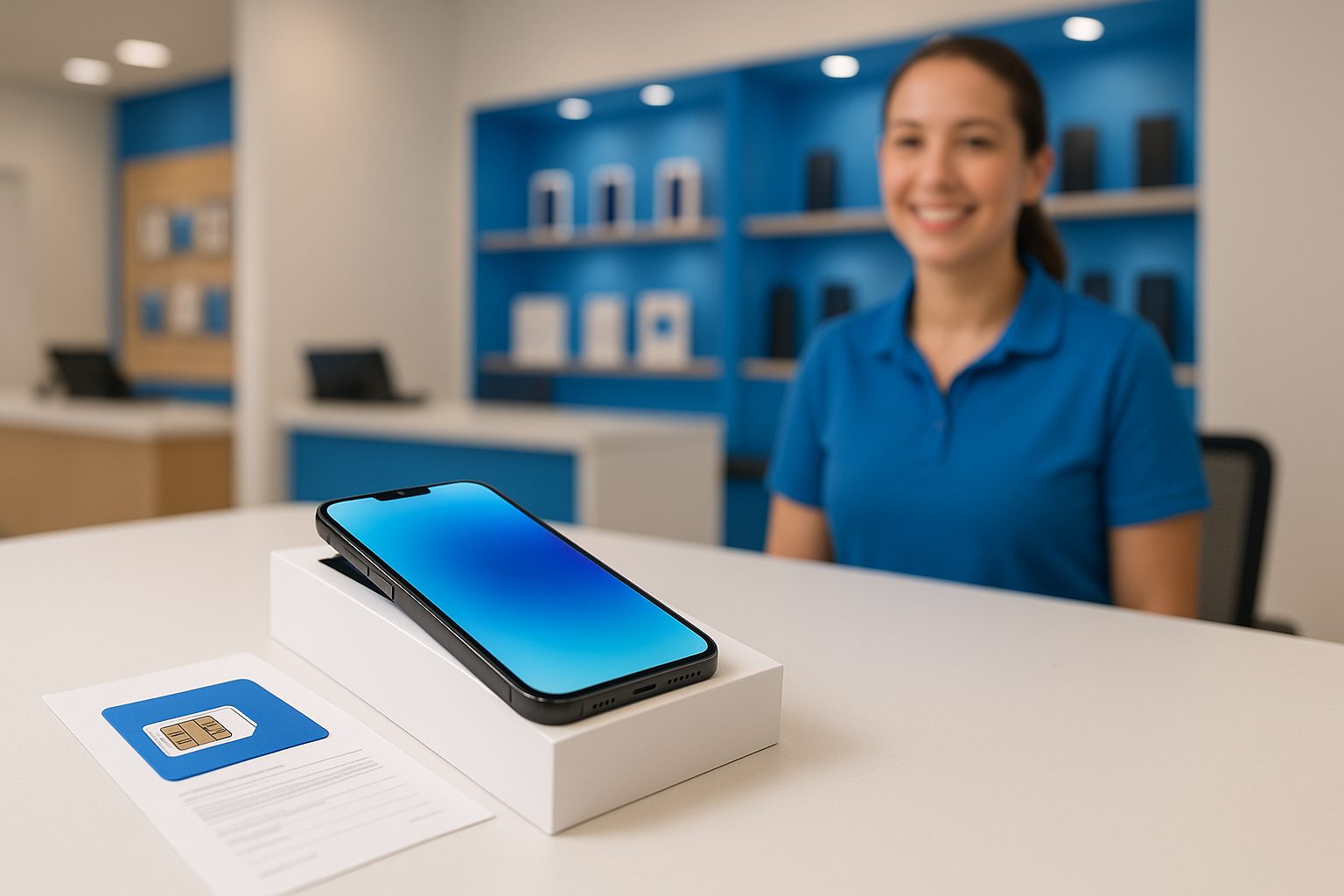
A customer walked into our Rowland Heights store last month holding a brand-new iPhone 16 Pro still in the box — no plan, no SIM, no idea where to start. She'd bought the phone online, assumed activation would take five minutes, and then hit a wall. Sound familiar? Getting a new phone plan in the US is genuinely straightforward once you know the steps, but there are real stumbling blocks if you go in blind.
What You Actually Need Before You Start
Skipping prep is the number-one reason activations take longer than they should. Before you walk into any store or start clicking through a carrier's app, gather these:
- A valid government-issued photo ID — driver's license, state ID, or passport. Foreign passports are accepted at most carriers and MVNOs.
- Your Social Security Number (SSN) or ITIN — postpaid (contract-style) plans from AT&T, T-Mobile, or Verizon require this for a credit check. Prepaid plans typically do not.
- A payment method — credit card, debit card, or cash. Some carriers charge a one-time activation fee ($15–$35 is typical for postpaid).
- Your current phone's IMEI number — if you're bringing your own device. Dial
*#06#to find it, or check Settings > General > About on iPhone. - Your account number and PIN from your old carrier — only needed if you want to port (transfer) an existing number.
If you're on a tight budget or new to the country and don't have an SSN yet, prepaid plans are a solid option — no credit check, no contract, and you can pay month to month.
Postpaid vs. Prepaid: Which Plan Type Should You Choose?
This is the first real decision, and it matters more than which carrier you pick.
Postpaid means you pay at the end of the billing cycle and sign up with a credit check. You get priority network access, better customer service tiers, and often the biggest phone upgrade deals. AT&T, T-Mobile, and Verizon all fall here. If you have good credit and want an iPhone 15 or Samsung Galaxy S25 at a promotional price, postpaid is worth it.
Prepaid means you pay upfront for a set amount of data, talk, and text — no credit check, no long-term commitment. Carriers like Cricket Wireless (runs on AT&T's network), Mint Mobile (T-Mobile network), and Metro by T-Mobile are popular choices. For families in Alhambra or Arcadia sending remittances or calling internationally, many prepaid plans include international calling minutes at no extra charge.
A quick rule of thumb:
- New to the US, no SSN → go prepaid
- Established credit, want the best device deals → go postpaid
- Frequently travel abroad → check international add-ons on either type
The Activation Process, Step by Step
Whether you're doing this online, by phone, or in a store, the flow is roughly the same.
- Choose your plan and carrier. Compare data allotments, international features, and network coverage at your home address — not just overall maps. Coverage can vary block by block in the San Gabriel Valley.
- Decide on eSIM or physical SIM. Most current iPhones (iPhone 14 and later sold in the US) are eSIM-only. Android devices like the Samsung Galaxy S24 series support both. eSIM activation is usually faster — sometimes under ten minutes.
- Submit your information. Name, ID, SSN or ITIN (postpaid), payment. You'll create an account with a PIN — write it down somewhere safe.
- Install the SIM or activate the eSIM. For a physical SIM, you'll receive a card to insert. For eSIM, you'll scan a QR code or the carrier will push the profile directly to your phone.
- Confirm you have signal and data. Make a test call. Open a browser. Send a text. Don't leave the store until everything works.
- Set up voicemail. Dial your own number or follow the carrier's prompts. This step gets skipped constantly and causes confusion later.
Common Mistakes That Slow Everything Down
Don't buy a carrier-locked phone expecting to use it on a different network. A Verizon-locked device won't activate cleanly on AT&T without an unlock request first. If you're buying a certified pre-owned phone, confirm it's fully unlocked before purchasing.
Avoid activating on a busy weekend afternoon if you can help it — stores are crowded, and activation servers occasionally lag when a carrier is running a big promotion. Weekday mornings are noticeably faster.
If your phone isn't recognized during activation, double-check the IMEI against the carrier's compatibility checker (every major carrier has one on their website). An IMEI flagged as unpaid or reported stolen won't activate on any US network — so always verify before buying a used device.
A Real Example: Bringing Your Own iPhone
Say you have an iPhone 15 Plus you bought outright and want to activate it on AT&T's network. You walk in, hand over your passport, provide an ITIN (no SSN required for certain plan types), and choose a $65/month unlimited prepaid plan on Cricket. The rep pulls up your IMEI, confirms compatibility, activates an eSIM directly from the store system, and you're live in about 15 minutes. No credit check. No deposit. You leave with a working US number and 5G data on AT&T's towers.
That's genuinely what a smooth activation looks like. The iFixForU team handles this type of setup regularly across our locations — in English and 中文, so nothing gets lost in translation.
Quick Takeaways
- Bring a valid photo ID; postpaid plans also need an SSN or ITIN
- Prepaid plans skip the credit check — great for newcomers or budget-conscious families
- Know your phone's IMEI and whether it's carrier-locked before you arrive
- eSIM activates faster than physical SIM on supported devices
- Always test calls, data, and voicemail before leaving the store
- Weekday mornings are the least crowded time to activate
If you want hands-on help choosing the right plan and getting activated without the guesswork, the team at iFixForU is ready — bilingual service (English and Chinese) at all locations. Check your options at ifixforu.com/en/wireless or call (626) 800-2030 to ask a quick question before you come in.



