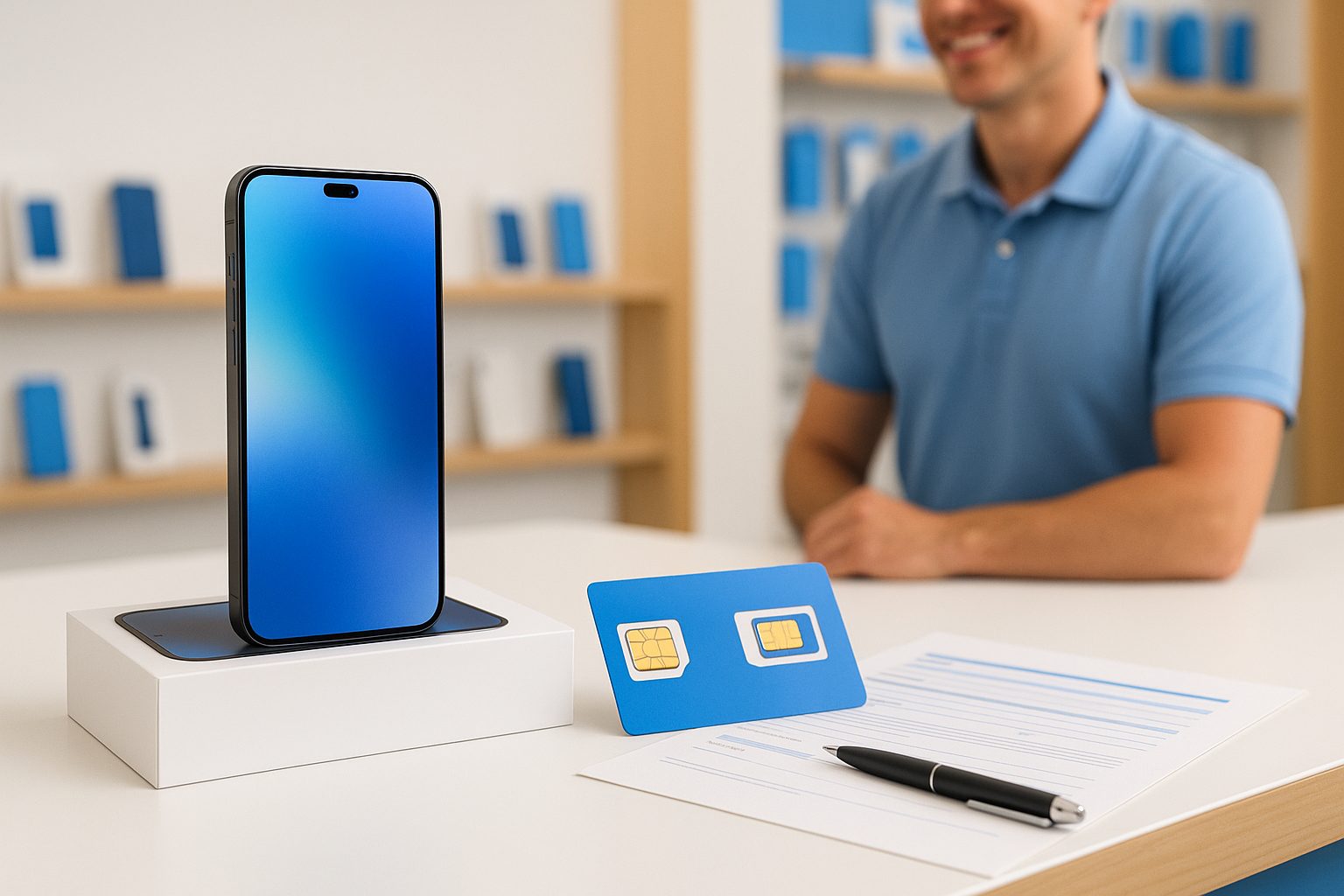
Your phone number is basically your digital identity — your bank texts it, your kids' school calls it, your WeChat contacts know it. The good news: you can take that number with you to almost any carrier, and the whole process usually takes under 30 minutes if you do it right.
What "Porting" Actually Means
When you move your number from one carrier to another, that's called a port (or number port / 携号转网). Federal law in the US requires every carrier to release your number to a competitor — they legally cannot hold it hostage. So whether you're leaving AT&T, T-Mobile, Verizon, or a prepaid brand like Mint Mobile or Straight Talk, you have the right to take your number with you.
The new carrier handles most of the work. You just need to give them a few pieces of information.
What You Need Before You Start
Don't cancel your old service first. This is the single most common mistake. Keep your current plan active until the port is fully complete — canceling early can cause you to lose your number permanently.
Gather these four things:
- Your current phone number (obviously)
- Your account number with the old carrier — find it on a paper bill, in the carrier's app, or by calling their customer service
- Your account PIN or password — this is set when you first sign up; if you forgot it, reset it through the old carrier's app or store before you start
- Your billing zip code on file with the old carrier
If you're on a family plan, the account holder needs to authorize the port — a line user alone usually can't do it.
How Long Does Porting Take?
For most moves between major carriers (say, Verizon to AT&T), the port completes in 15–30 minutes. Prepaid-to-prepaid transfers can sometimes take a few hours. In rare cases involving landlines or older accounts, it may take up to one business day.
During the transfer, there's usually a brief window — sometimes just a few minutes — where your number goes quiet. Don't panic if calls don't go through for a short time. It's normal.
What About International or Chinese Phone Numbers?
If you have a phone number from mainland China, Hong Kong, or Taiwan that you want to use in the US — that's a separate process and generally not portable across countries. What you can do is get a US number ported over, and keep your international SIM in a dual-SIM phone (most recent iPhones and Samsung Galaxy models support this). That way you keep both numbers on one device.
Will Your Phone Work on the New Carrier?
This matters a lot. Just because a phone is paid off doesn't mean it works on every network. A few things to check:
- Carrier lock: Some phones sold through a carrier are "locked" and only work on that carrier for a set period (usually 60 days to 12 months). If your phone is still locked, the new carrier's SIM won't activate. You'll need to request an unlock from your current carrier first — this is usually free once eligibility requirements are met.
- Network compatibility: Most modern iPhones (iPhone 12 and later) and flagship Samsung Galaxy and Google Pixel phones work across all major US networks. Older or budget phones may only support certain bands.
- IMEI check: You can check your phone's compatibility at the new carrier's website by entering your IMEI number (dial
*#06#to find it).
If you're unsure, bring your phone into a store — the staff can run the check in under two minutes.
A Real Example: Switching in Rowland Heights
A customer came into our Rowland Heights location with an iPhone 14 that she'd been using on T-Mobile for three years. She wanted to switch to an AT&T prepaid plan for better coverage near her office in Arcadia. Her phone was fully paid off and unlocked. We pulled up her T-Mobile account number from her app, confirmed her PIN, and submitted the port request. Her number was active on the new SIM in about 20 minutes. She kept her same number, same contacts, same WeChat — nothing changed except her monthly bill went down.
What Can Go Wrong (and How to Avoid It)
- Wrong account PIN: The most common holdup. If your port is rejected, this is usually why. Reset your PIN with the old carrier before you start.
- Outstanding device payment balance: If you still owe money on a phone financed through your current carrier, they may lock the phone until it's paid. You can still port the number to a new SIM, but the phone itself may not work on the new network until the balance is cleared.
- Name mismatch: The name on your new account should match what's on file with your old carrier. A single-character difference usually isn't a problem, but a completely different name can cause a rejection.
Our team at iFixForU is fluent in both English and Mandarin (普通话), so if you run into any of these issues mid-port, you won't have to struggle through a support call alone.
Quick Takeaways
- Don't cancel your old service before the port completes
- You need your account number, PIN, and billing zip — get these ready ahead of time
- Most ports finish in under 30 minutes; one business day is the legal maximum
- Check that your phone is unlocked and compatible before switching
- The account holder on a family plan must authorize any port
- Porting is free — any carrier that charges you a "porting fee" is doing something unusual
Ready to make the move? You can compare plans and start the process at ifixforu.com/en/wireless, or just call or stop by any iFixForU location — (626) 800-2030 — and we'll walk you through it in person, in whichever language works best for you.



