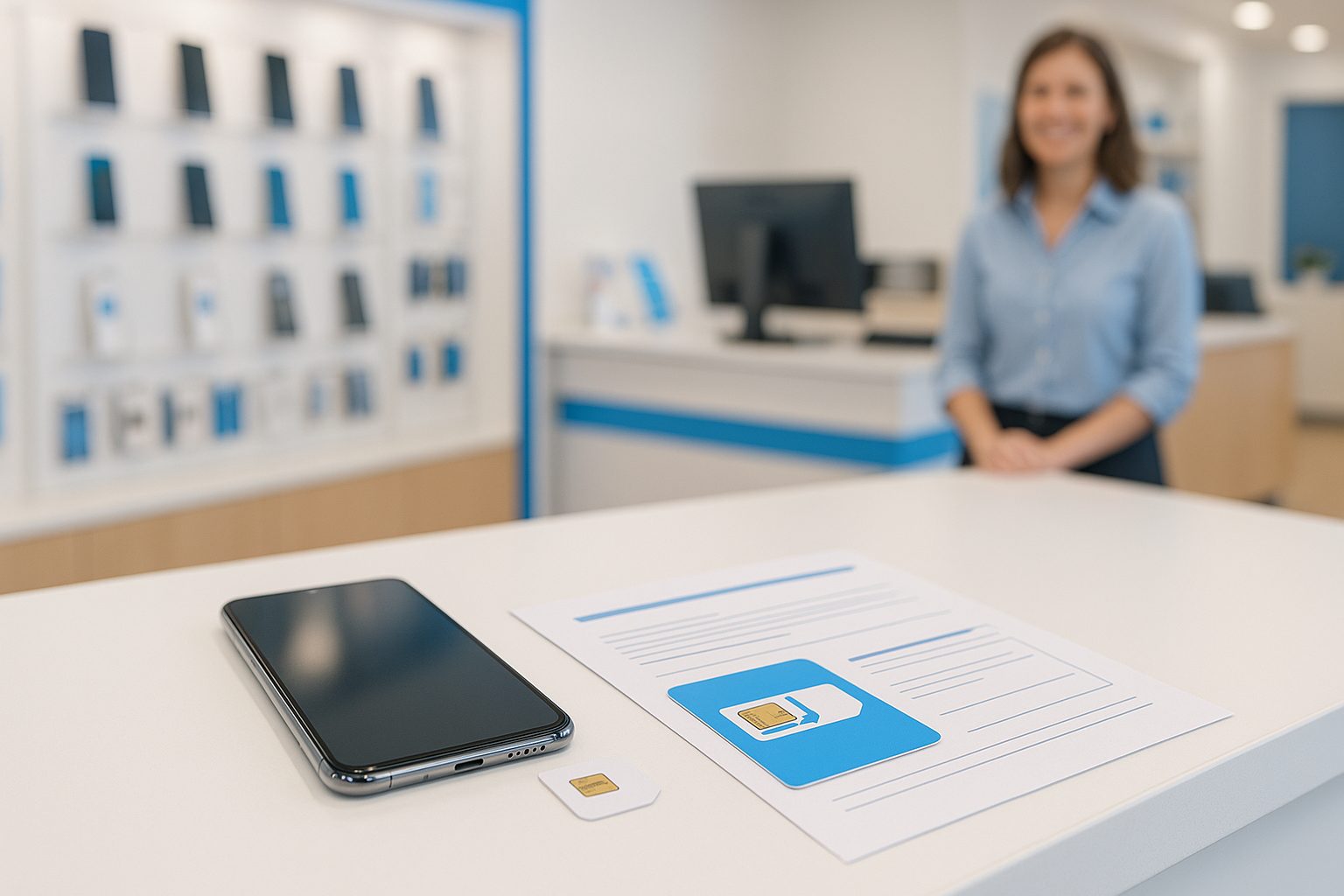
Your cousin in Rowland Heights switched from T-Mobile to AT&T last month and almost lost her number — not because porting failed, but because she canceled her old plan two days too early. Five minutes of the right advice would have saved her a lot of stress. This is that advice.
What "Porting" Actually Means
When you move your phone number from one carrier to another, the process is called number porting (携号转网 in Chinese). Under FCC rules, carriers are legally required to release your number to a new carrier — they cannot hold it hostage, even if you still owe money on a device installment plan. (Note: a device balance and a service contract are two different things.)
The new carrier does the actual work. You give them some information, they submit a request to your old carrier, and within a few hours to a few days, your number is transferred over. Simple in theory — but there are a few steps you need to get right.
What You Need Before You Walk In
Before you switch, gather these four things:
- Your account number with your current carrier (find it in your old carrier's app or on a paper bill)
- Your account PIN or transfer PIN — this is not your phone's lock screen PIN; it's a separate code set on your carrier account
- The phone number you want to keep (obvious, but write it down)
- Your billing zip code on file with the old carrier
Some carriers have moved to a system where you generate a one-time Number Transfer PIN inside their app. T-Mobile and Verizon both do this now. If you're leaving one of those carriers, generate that PIN before you start the switch — it usually expires in a few hours.
One more thing: do not cancel your old plan before the port completes. That's the single most common mistake. The moment your old account closes, your number goes back into a pool and can be very difficult — sometimes impossible — to recover.
Postpaid vs. Prepaid: Does It Matter?
Yes, slightly. Porting between postpaid accounts (like T-Mobile to AT&T) is usually straightforward. Porting from prepaid to postpaid (or vice versa) works the same way legally, but the account PIN situation can be murkier on older prepaid accounts where people never set one.
If you're on a prepaid plan and can't remember your PIN, call your current carrier's customer service to reset it first. Don't wait until you're standing at the counter trying to activate a new plan — that's when it turns into an hour-long ordeal.
International Numbers Can't Be Ported
If you're a recent arrival and still using a foreign SIM or a number from China, Hong Kong, or Taiwan, that number cannot be ported to a US carrier. You'll need to pick a new US number. After that, your new number is yours to keep and port freely.
How Long Does Porting Take?
For most people switching to a major carrier like AT&T, porting takes anywhere from a few minutes to a few hours. In rare cases it can take up to one business day. During that window, you might see "No Service" briefly — that's normal. Your old SIM stops working when the port completes, and your new SIM takes over.
During the porting window, keep both SIMs available if possible. If you have a dual-SIM phone (most modern iPhones and Samsung Galaxy devices do), this is easy. If not, just be aware there may be a brief gap in service.
What If Something Goes Wrong?
Ports fail for a few reasons:
- Wrong account number or PIN — most common cause
- Name mismatch — the name on your new account doesn't match the old one exactly
- Active balance or fraud hold on the old account
- The number is already in the middle of a port from a previous attempt
If your port fails, don't panic. Ask the carrier rep for the specific rejection reason — they get a code from the losing carrier. That code tells you exactly what to fix.
A Real Example
A customer came into our Alhambra location with a Verizon number he'd had for six years. He'd set up his Verizon account under his English name but his ID showed his Chinese name. The name mismatch kept kicking back the port request. Once he called Verizon to update the name on file, the port went through on the next attempt in under two hours. Six-year-old number, saved.
Porting and Device Compatibility
Keeping your number is one thing — making sure your phone actually works on the new network is another. Before you switch, check that your device is compatible with the new carrier's bands. An iPhone 15 or Samsung Galaxy S24 will work fine on any major US carrier. Older or budget phones — especially ones bought abroad — may not support all the necessary LTE or 5G bands.
If you're not sure, the team at iFixForU can check your device's IMEI and confirm compatibility before you commit to anything. They work with AT&T and multiple prepaid MVNOs across their San Gabriel Valley, Orange County, and Las Vegas locations, and can walk you through everything in both English and Chinese (普通话和广东话都可以).
Quick Takeaways
- Don't cancel your old plan early — wait until the port is fully done
- Get your account number and transfer PIN before you go anywhere
- Name on new account must match name on old account
- Porting is free and legally protected — carriers must comply
- Most ports complete within a few hours; dual-SIM phones make the transition smoother
- Phones bought abroad may need a compatibility check before switching
If you want help porting your number or comparing plans side by side, stop by any iFixForU wireless location or give them a call at (626) 800-2030. No pressure — just straight answers, in whatever language works for you.



